
01Connect
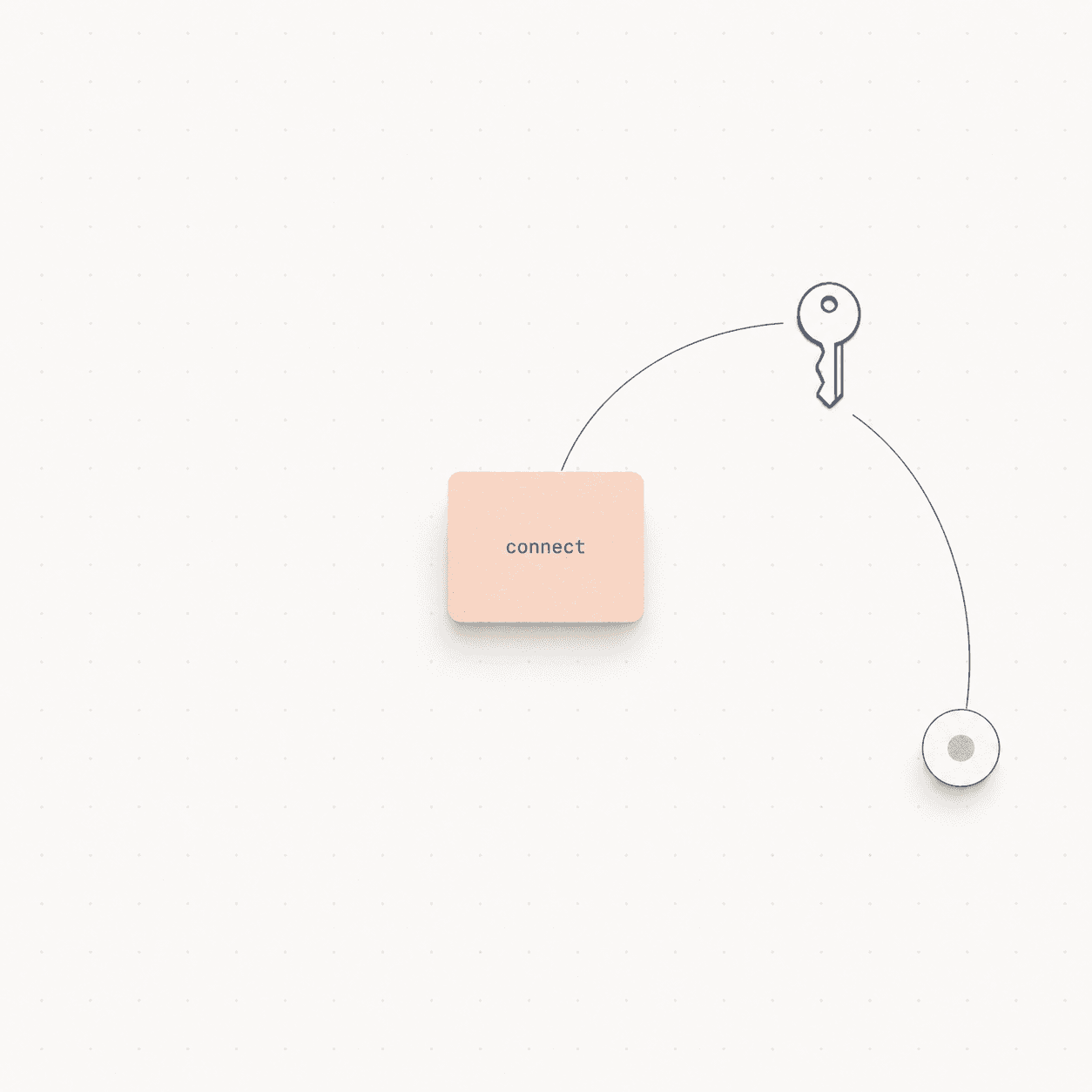
Authorize the source.
Connect a supported source through its standard authorization flow. No copied API keys in a spreadsheet.
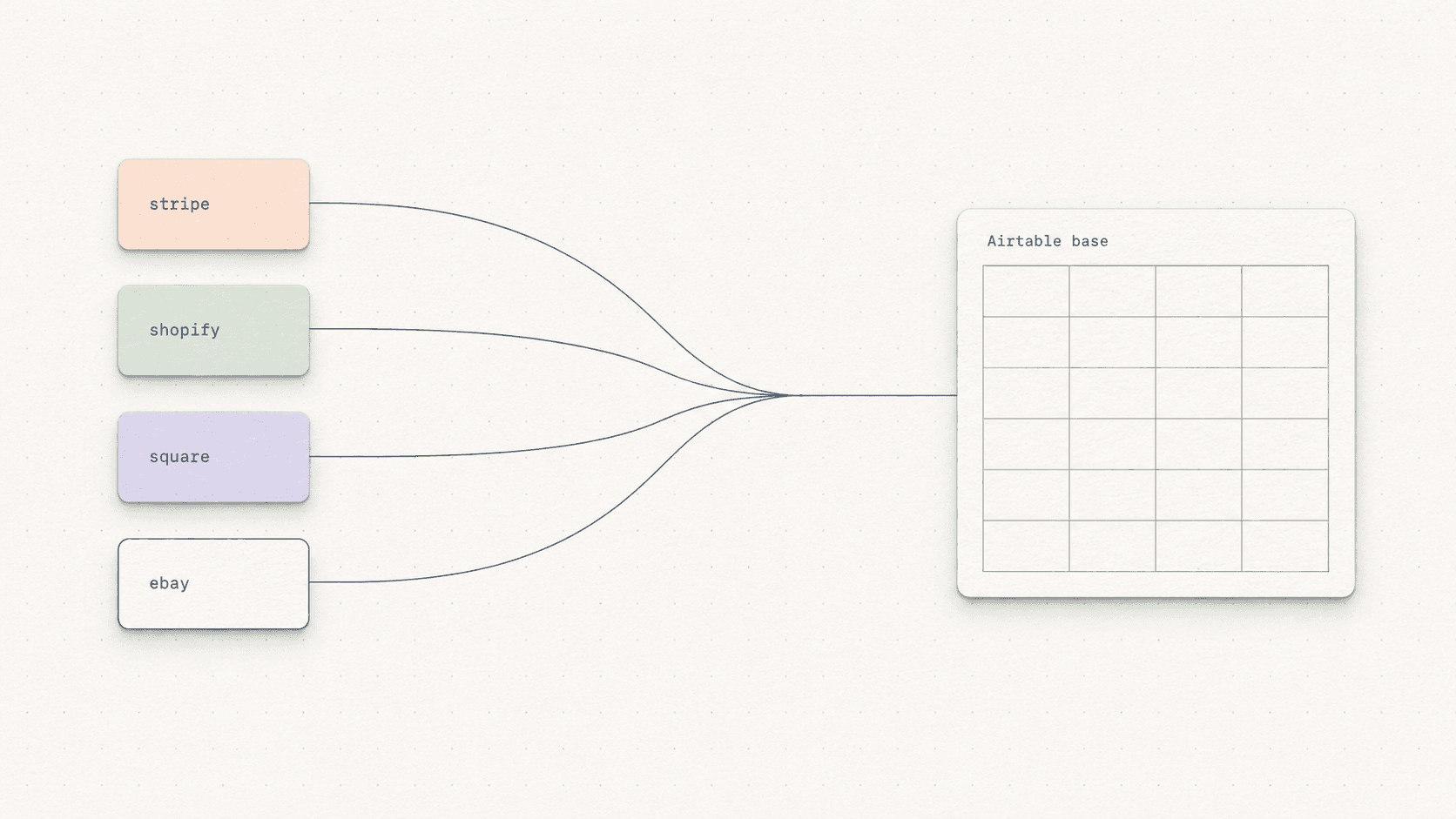
Connect six business data sources, review the proposed schema, and keep records moving without the weekly CSV routine.
Start with your email. Connect a service later. No credit card required.
Sync complete
Fields reviewed · records updated
6
source connectors
3
destinations
15 min
Starter schedule
The weekly routine
Exporting, cleaning, and pasting the same business data every week is not a data system. It is a recurring task disguised as one.
Manual workflow
Repeats every timeairsource workflow
Keeps movingHow it works
The automation stays understandable: you see the proposed structure, approve it, and keep visibility into each sync.
Connect a supported source through its standard authorization flow. No copied API keys in a spreadsheet.
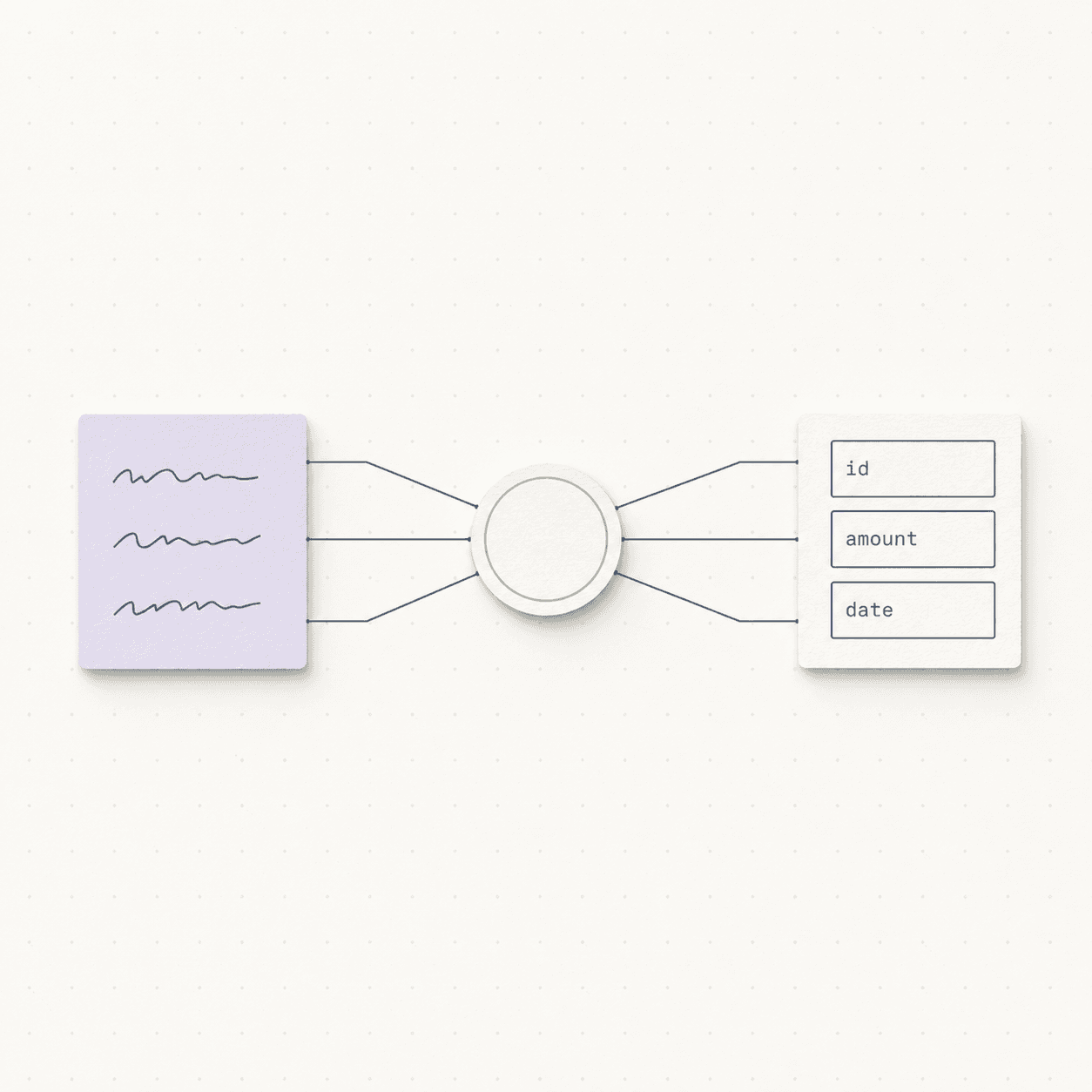
airsource reads sample records and proposes Airtable field names and types for you to review before applying.
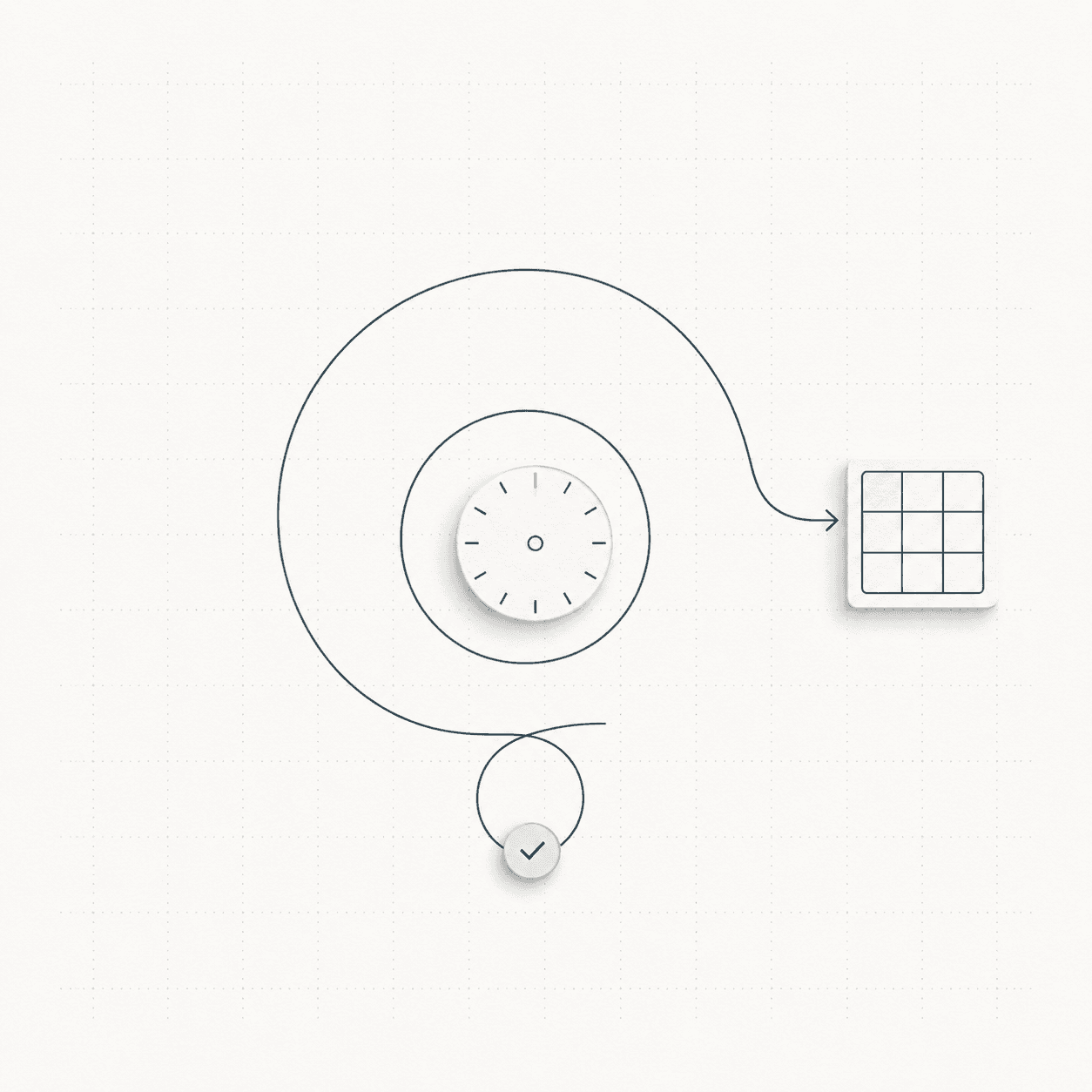
Run automatically every 15 minutes during private beta. Transient errors retry automatically.
Connector library
Nine connector integrations in total. Airtable remains the primary destination, with Google Sheets and Notion available for adjacent workflows.

Stripe
Live

Shopify
Live

HubSpot
Live

Etsy
Live

Square
Live

eBay
Beta

Airtable

Google Sheets

Notion
What stays visible
01
The extension lives with the base your team already uses, rather than adding another detached dashboard.
02
Field names and types are proposed first. Review the mapping before records begin moving.
03
Transient failures retry automatically, while sync visibility stays available when something needs attention.
Pricing
Create your account first. Choose a plan when you need it; signing up does not start a paid subscription.
For one essential workflow.
$9/ month
For connected operating teams.
$29/ month
For more complex data flows.
$99/ month
Waitlist
We are onboarding in order and using requested sources to guide connector priorities.
What happens next
You will receive product updates and availability information. Joining does not start a paid subscription.